You like FreshBooks. So do we.
But using FreshBooks shouldn’t mean giving up control over payment-acceptance costs.
PayBridge connects your FreshBooks invoices to a lower-cost external payment option while keeping FreshBooks at the center of your invoicing workflow.
Customers pay through PayBridge, and successful payments automatically sync back to the corresponding FreshBooks invoice.
An active FreshBooks account and authorized PayBridge connection are required.

Lower Processing Costs. Next Day Deposits.
Same FreshBooks Workflow.
Payment-processing fees may seem small on an individual invoice, but at scale they can become a significant business expense.
PayBridge was built for businesses that like FreshBooks but want more control over what it costs to get paid. Instead of replacing your invoicing platform, PayBridge adds an external payment option to the FreshBooks workflow you already use.
Keep your invoices. Keep your customers. Keep FreshBooks. Change only how the payment is processed.
| Monthly Payments | 1% Lower Cost Means |
|---|---|
| $10,000 | $100/month |
| $25,000 | $250/month |
| $50,000 | $500/month |
| $100,000 | $1,000/month |
Your actual processing rate and savings depend on your approved merchant account and transaction mix.
PayBridge solves one very specific problem: giving FreshBooks users access to more competitive payment processing without forcing them to rebuild the rest of their billing system.
PayBridge connects your FreshBooks workflow to independently established merchant processing, giving your business access to more competitive rates than standard flat-rate processing may provide.
The more you process, the more even a small rate difference can matter.
Once PayBridge confirms a successful transaction, the payment is applied back to the corresponding FreshBooks invoice.
No separate invoice system and no manually marking routine payments as paid.
Give customers a simple, secure way to pay using supported credit card, debit card, and bank account payment options.
Available payment methods depend on your approved merchant configuration.
Credit, Debit, or ACH payments made by your customers are in your bank account the very next day. Every time.
There is no need to migrate invoices, customer records, history, estimates, or accounting workflows simply because you want a better payment option.
Continue using FreshBooks for the things it already does well.
Your customer still receives their FreshBooks invoice.
When they’re ready to pay, they follow your PayBridge payment link, confirm their invoice, choose a payment method, and complete the transaction.
No new account or complicated process for the person paying you.
We use this as well, so we’re always going to be adding more features, new platform connections, and working on any feature requests from clients.
PayBridge creates the connection between your FreshBooks invoices and your external merchant processing account.
Your invoicing workflow stays familiar. The payment route changes.
Authorize PayBridge to connect securely with your existing FreshBooks account. This allows PayBridge to retrieve the invoice information necessary to process payments and update FreshBooks after a successful transaction.
The customer follows the payment link, confirms the invoice information, selects an available payment method, and completes payment.
Complete merchant approval and processing setup. Once your account is approved, we configure PayBridge to securely route transactions through your merchant processing account.
Once the transaction is successfully confirmed, PayBridge records the payment against the corresponding FreshBooks invoice.
Continue creating and sending invoices through FreshBooks just as you do today. Your invoice can include a secure PayBridge payment link directing customers to your payment portal
PayBridge is designed to work with the information necessary to complete and synchronize your payment workflow, including:
FreshBooks remains your invoicing platform. PayBridge helps you keep your money in your bank account without unnecessary fees.
You chose FreshBooks because it works for your business.
Changing invoicing platforms just to get different payment-processing terms means migrating customer data, invoices, workflows, history, and internal processes for a problem that exists in only one part of the system.
PayBridge separates those decisions.
That’s the whole idea.

Here is just a few of our most recent projects, from apps to websites to software, we love what we do.
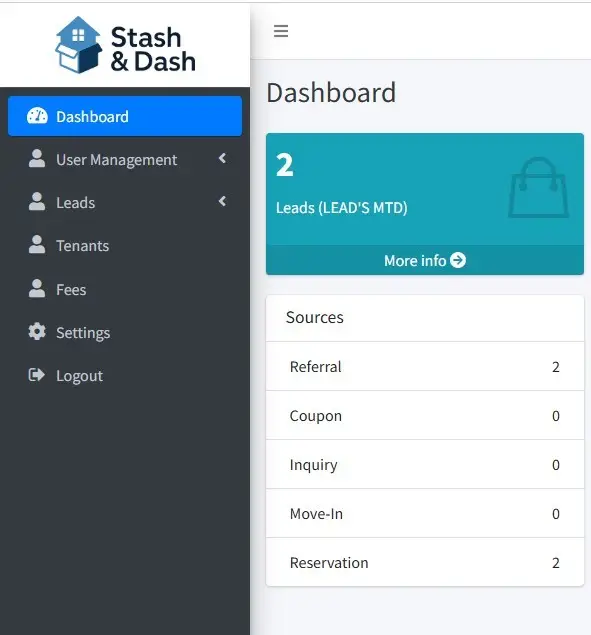
Next Level Storage is perfect for owners and operators who want to manage…


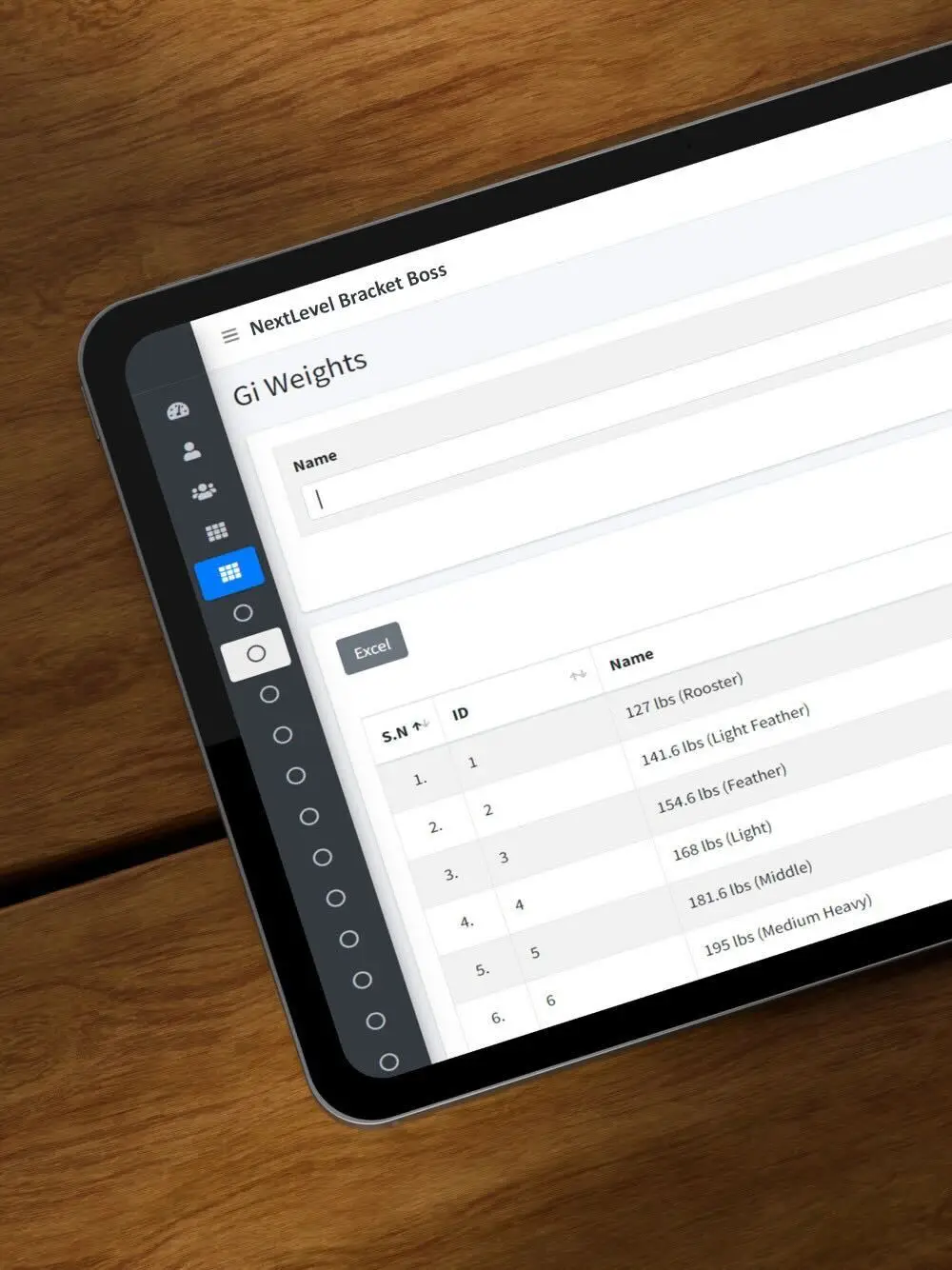
Here is just a few of our most recent projects, from apps to websites to software, we love what we do.
PayBridge is an external payment integration that works alongside your FreshBooks account. It gives your customers an alternative way to pay FreshBooks invoices and synchronizes successfully completed payments back to the corresponding invoice.
No. FreshBooks remains your invoicing platform. PayBridge handles the external payment workflow and connects completed payments back to FreshBooks.
Yes. An active FreshBooks account and authorized PayBridge connection are required for PayBridge to retrieve invoice information and synchronize completed payments.
Yes. You continue creating and sending your invoices through FreshBooks just as you do today. Your invoice can include a PayBridge payment link that customers use when they’re ready to pay.
The customer follows the PayBridge link provided with their invoice, confirms their invoice information, chooses an available payment method, and completes the payment through the secure PayBridge portal.
Once PayBridge confirms the successful transaction, the payment is synchronized back to the corresponding FreshBooks invoice.
FreshBooks then continues to serve as your primary invoice record.
PayBridge is designed to give businesses access to more competitive merchant-processing options than standard flat-rate processing may provide.
Your actual rate depends on merchant underwriting, your transaction profile, payment types, and your approved processing agreement.
We can review your current processing costs and compare them with the pricing available through PayBridge before you change your payment workflow.
Savings depend heavily on payment volume and your current rate.
As a simple example, a one-percentage-point reduction in processing cost represents:
Your actual savings will be calculated using your existing processing costs and approved PayBridge merchant pricing.
All deposits from card or ACH payments are next day in your bank account.
No. You continue creating and managing your invoices in FreshBooks. PayBridge changes the payment path, not your core invoicing workflow.
No. PayBridge is an independently developed integration from Next Level Business that connects with FreshBooks. FreshBooks remains the platform used for your invoicing and account management.
"*" indicates required fields
"*" indicates required fields