
Most businesses start with generic software because it is fast, affordable, and already available. That makes sense. Nobody should build custom software for every tiny problem. That is how companies end up spending six months and a terrifying amount of money recreating a glorified spreadsheet with a login screen.
But as a business grows, generic tools often start creating new problems.
A CRM handles part of the process. A spreadsheet tracks another part. Payments happen somewhere else. Staff use shared folders, email threads, notes, plugins, forms, and whatever system someone invented during a stressful Thursday afternoon. At first, this feels flexible. Later, it becomes messy.
That is usually when custom software starts to make sense.
Custom software is not about being fancy. It is about building a system that fits your business, rather than forcing your business to fit the system.
The problem with generic software
Generic software is designed for broad use. That is both its strength and its weakness.
A generic platform has to work for thousands or millions of businesses. Because of that, it usually solves common problems in a common way. That can be perfect for basic tasks like email, accounting, scheduling, file storage, or simple customer management.
The issue arises when your business has a workflow that does not align with the software.
You may need unusual permissions. You may need a custom approval process. You may need customer-facing dashboards. You may need a report that combines data from several places. You may need automation that connects sales, service, billing, documents, and follow-up.
Generic tools often handle 70% of the job. Then your team spends the rest of its time fighting the missing 30%.
That missing 30% is where the real pain usually lives.
Custom software reduces workarounds
Most businesses do not realize how many workarounds they have created.
A workaround might be:
- Copying the same customer data into multiple systems
- Manually sending reminders
- Updating spreadsheets after payments are received
- Tracking job status in email threads
- Asking staff to remember special rules
- Building monthly reports by hand
- Using Zapier-style automations that nobody fully understands anymore
- Having one employee who “just knows how it works,” which is not a system, it is a hostage situation with Wi-Fi
Custom software can replace those workarounds with a cleaner process.
Instead of making your team remember every step, the software can guide the process. Instead of relying on manual updates, the system can update records automatically. Instead of searching through inboxes, staff can see the full customer or project history in one place.
That does not just save time. It reduces mistakes.
Custom software gives you better visibility
A growing business needs visibility.
Owners and managers should be able to answer basic questions quickly:
- What jobs are open?
- Which customers need follow-up?
- Which invoices are unpaid?
- Which team members are overloaded?
- What work is waiting on approval?
- Where are customers getting stuck?
- What revenue or activity is coming in this week?
In many businesses, those answers are scattered across several systems. Someone has to gather the information manually, clean it up, and explain what is happening. By the time leadership sees the report, the information may already be outdated.
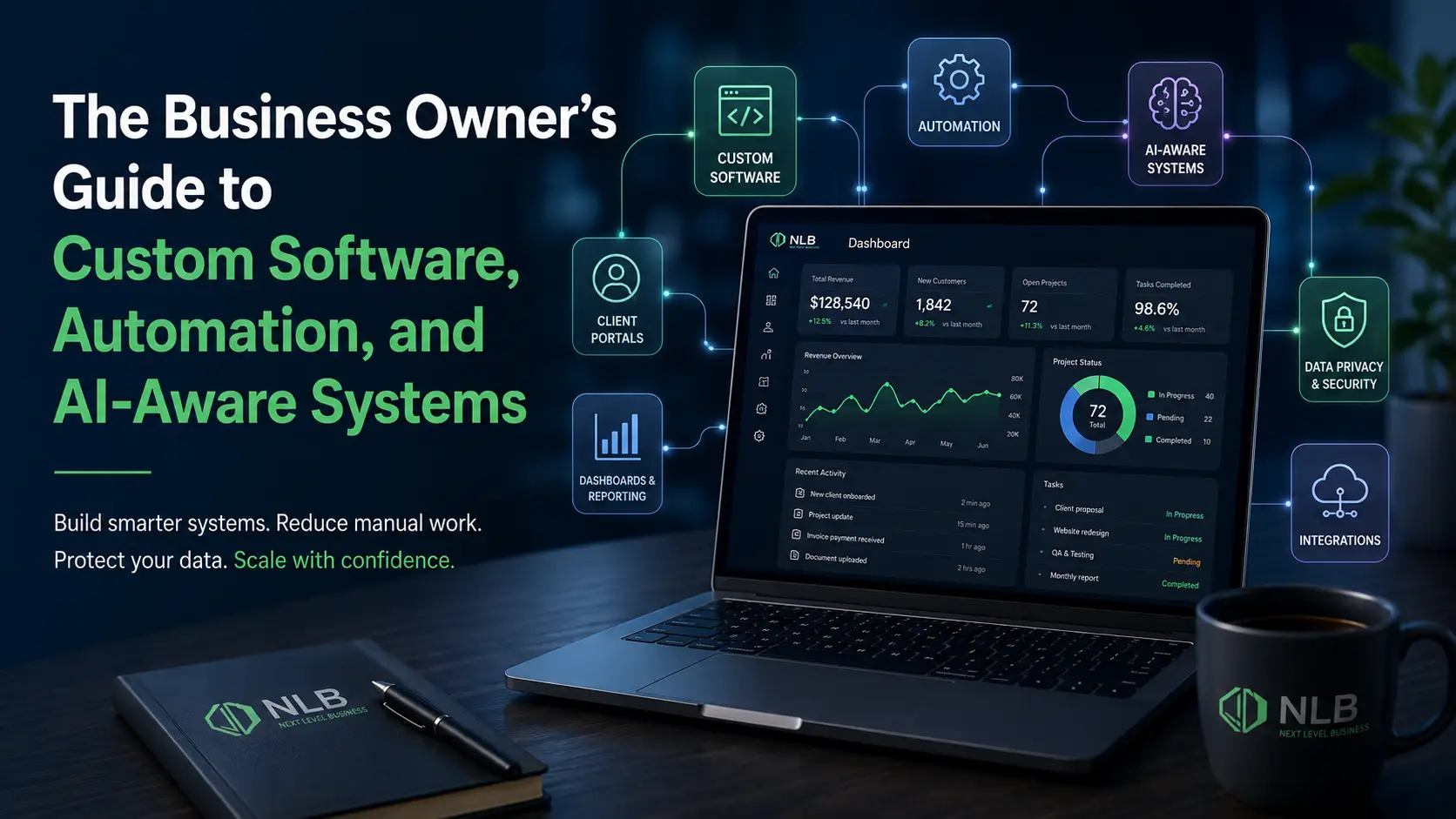
Custom software can consolidate that information into a single dashboard.
That dashboard does not need to be flashy. It needs to be useful. Good software should help the business understand what is happening without making people dig through a digital junk drawer.
Custom software improves the customer experience
Customers do not care how complicated your internal systems are. They just want things to work.
They want to book, pay, upload, request, approve, track, review, or manage their account without calling five times or waiting for someone to find the right file.
Custom software can create a smoother customer experience through:
- Client portals
- Booking systems
- Payment dashboards
- Document upload areas
- Service request forms
- Account management tools
- Project status updates
- Automated notifications
- Self-service resources
This matters because customer experience is often shaped by operations. If your internal process is messy, customers usually feel it.
They may not know your CRM is disconnected from your billing system. They just knew they had to repeat themselves three times, and nobody followed up. Delightful. Humanity’s finest innovation: making the customer explain the same thing to three departments.
Custom software can grow with your business
One of the biggest advantages of custom software is flexibility.
A good system can start with the core features your business needs now, then expand over time. That might include new user roles, customer dashboards, mobile access, reporting tools, integrations, automation, or productized features that eventually become a SaaS platform.
This is especially important for businesses that are building something unique.
If your process is part of your advantage, generic software may eventually limit you. Custom software can help protect that advantage by providing a system tailored to your specific model.
When custom software is worth it
Custom software is not always the right answer.
It may not make sense if:
- A simple off-the-shelf tool already solves the problem
- The process is not clearly defined
- The business is not ready to maintain the system
- The budget does not match the value of the problem
- The team is still changing direction every week
But custom software can be a strong investment when:
- Your team repeats the same manual tasks often
- You rely heavily on spreadsheets
- Customers need better self-service tools
- You are paying for several tools that do not connect well
- Staff are wasting time moving data between systems
- Reporting is slow or unreliable
- You need software that reflects your actual business process
- Your workflow is unique enough that generic tools keep falling short
The key question is not, “Would custom software be cool?”
The better question is:
What is the cost of continuing to operate with bad systems?
That cost might show up as wasted time, lost sales, customer frustration, reporting errors, duplicate work, missed follow-ups, staff burnout, or messy handoffs.
Final takeaway
Custom software should make your business easier to run.
It should reduce friction, improve visibility, create better customer experiences, and give your team tools that match how they actually work.
Generic software is useful. But when your business starts bending itself around disconnected tools and manual workarounds, it may be time to build something better.
Ready to replace messy workarounds with a cleaner system? Next Level Business builds custom software, portals, dashboards, and automation tools designed around the way your business actually operates. Contact Us