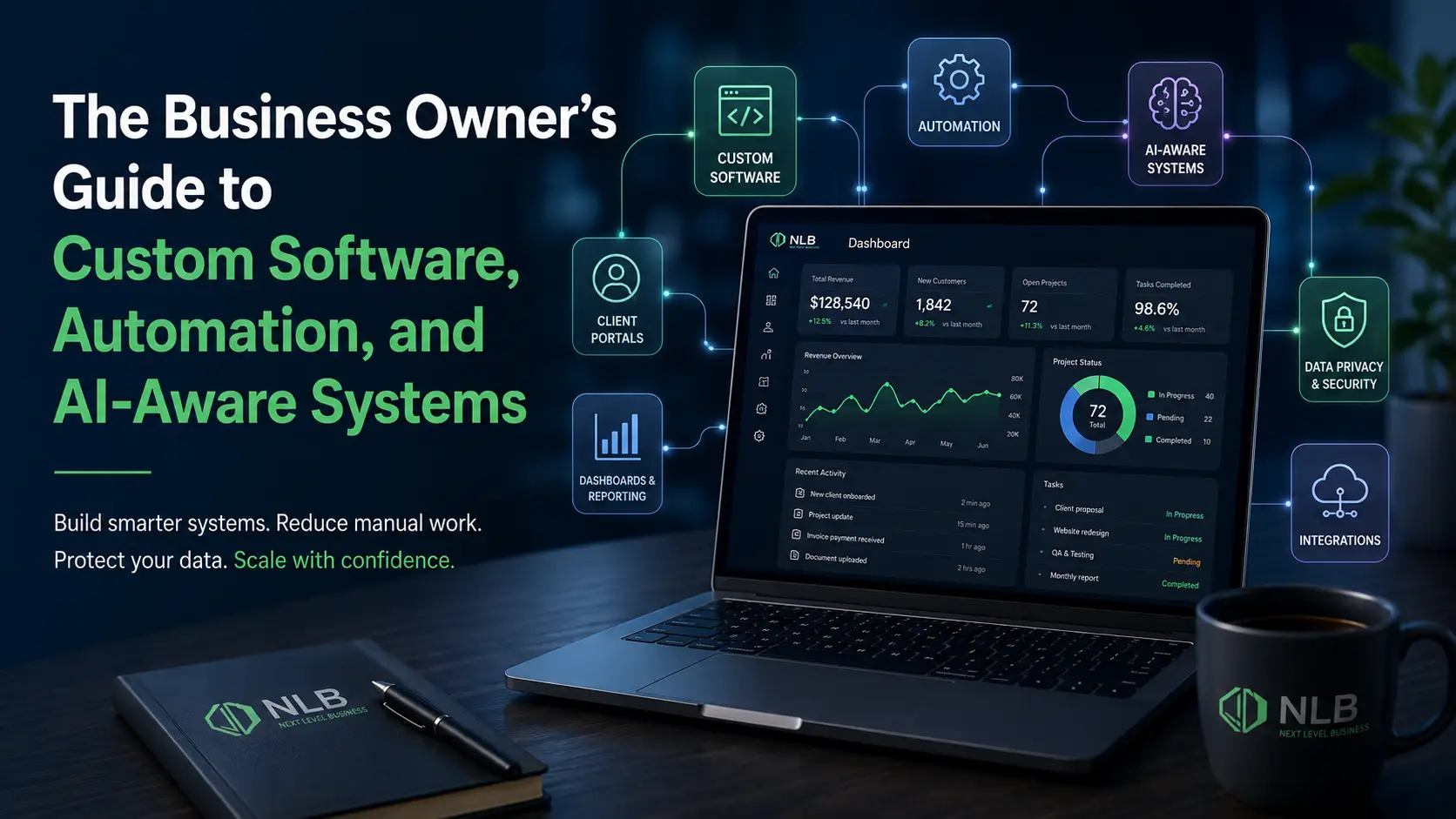
The Business Owner’s Guide to Custom Software, Automation, and AI-Aware Systems
Most businesses do not wake up one day and decide they need custom software. They usually start with a much smaller problem.
A spreadsheet is getting too complicated.
A staff member is copying the same information into three different systems.
Customers keep asking for updates that should be available online.
Reports take too long to prepare.
Payments, files, forms, scheduling, and communication are all scattered across different tools.
At first, the business works around these problems. Someone builds a spreadsheet. Someone adds a plugin. Someone creates a Zapier automation. Someone makes a folder called “Final,” then another folder called “Final Final,” then eventually “USE THIS ONE,” because human civilization is clearly peaking.
Those workarounds can help for a while.
But eventually, they start costing the business time, clarity, money, and control.
That is where custom software, automation, and smarter business systems become valuable.
Custom software is not just about building an app. It is about creating a better operating system for your business. It can connect your workflows, reduce repetitive tasks, improve customer experience, create better reporting, and help your team manage information in one place.
As AI becomes more common in business software, there is another layer too: data boundaries. Businesses now need to think carefully about what information goes into software systems, what can be automated, what should stay private, and how AI tools are allowed to interact with company or customer data.
This guide explains how business owners can think about custom software, automation, and AI-aware systems in a practical way.
What custom software actually means
Custom software is software built around the specific needs of a business, process, product, or customer experience.
That could mean:
- A customer portal
- A mobile app
- A staff dashboard
- A booking or scheduling system
- A custom CRM
- A payment workflow
- A reporting dashboard
- An inventory system
- A document management system
- A member portal
- A SaaS product
- An internal operations platform
- Integrations between existing tools
- Automation for repetitive business tasks
The key difference is that custom software is designed around how your business works.
Generic software usually asks your business to adapt to the platform. Custom software adapts the system to your business.
That does not mean custom software is always better. Sometimes an existing tool is the right choice. If QuickBooks, Microsoft 365, Google Workspace, Stripe, HubSpot, Shopify, or another platform already solves the problem cleanly, use it. There is no trophy for overbuilding.
But when a business has a workflow that is unique, repetitive, messy, disconnected, or difficult to scale, custom software can become a serious advantage.
The real problem: most businesses are running on workarounds
A workaround is any extra step your team uses because the current system does not fully support the process.
Workarounds are everywhere.
A staff member exports a report manually every Friday.
Someone checks payments in one system and updates the status in another.
A manager tracks important tasks in a private spreadsheet.
Customers email files instead of uploading them through a portal.
The team manually sends reminders.
A project manager has to ask three people for updates before answering a customer.
A business owner cannot see what is happening without interrupting the team.
None of these problems seems catastrophic by itself. Together, they create friction.
That friction becomes part of the cost of running the business. It slows down staff, increases mistakes, frustrates customers, and makes it harder for leadership to see what is actually happening.
Custom software is useful when it turns those scattered workarounds into a cleaner process.
Why generic tools start to break down
Generic tools are popular because they are accessible, affordable, and fast to launch. That is a good thing.
Most businesses should start with existing tools when possible. They are usually cheaper than building something custom, and they can solve common needs like email, accounting, scheduling, basic CRM, file storage, and simple e-commerce.
The problem is that generic software is built for the average use case.
Your business may not have an average workflow.
You may need special user roles.
You may need a custom customer journey.
You may need a unique approval process.
You may need a dashboard that combines information from several tools.
You may need industry-specific forms, calculations, statuses, or notifications.
You may need your software to match how your team already operates.
That is where generic systems start forcing awkward compromises.
The business either changes its process to match the tool or the team creates workarounds outside the tool.
Both options can become expensive over time.
The best custom software solves operational pain
Custom software should not start with features.
It should start with pain.
Before building anything, a business should understand what is actually broken.
Useful discovery questions include:
- What tasks are being repeated manually?
- What information is being entered more than once?
- Where do customers get stuck?
- Where does staff communication break down?
- What reports take too long to prepare?
- What decisions are being made without enough information?
- Which tools do not talk to each other?
- Which process depends too heavily on a single person?
- What would become harder if the business doubled in size?
- What would improve if the current process were cleaned up?
The goal is not to build software because software sounds impressive.
The goal is to fix a business problem.
A clean custom software project should usually improve at least one of these areas:
- Time savings
- Customer experience
- Staff efficiency
- Reporting visibility
- Revenue capture
- Process consistency
- Data accuracy
- Security and access control
- Scalability
- Product or service delivery
If a software feature does not support a business outcome, it probably does not belong in the first version.
Automation should reduce busywork, not create a mystery machine
Business automation can be powerful.
It can help with reminders, follow-ups, status updates, task assignments, reports, approvals, onboarding, billing steps, document requests, and customer communication.
But automation is only helpful when the process is clear.
Bad automation just makes bad processes happen faster. This is not progress. This is putting roller skates on a filing cabinet.
Before automating a workflow, a business should define:
- What triggers the automation?
- What should happen next?
- Who needs to be notified?
- What data should be updated?
- What exceptions need human review?
- What should happen if something fails?
- How will staff know the automation ran correctly?
Good automation makes work easier to understand.
Bad automation creates confusion because nobody knows what happened, why it happened, or how to fix it when it breaks.
That is why automation should be designed as part of the full business system, not thrown on top as a patch.
Custom dashboards give leadership better visibility
A major benefit of custom software is visibility.
Business owners often need answers to questions like:
- How many leads came in this week?
- Which jobs are open?
- Which customers need follow-up?
- Which invoices are unpaid?
- Which team members are overloaded?
- Where are projects getting delayed?
- Which services are most profitable?
- Which requests are waiting on customer action?
- What work is falling through the cracks?
In many businesses, that information exists, but it is scattered.
Some of it is in the CRM.
Some of it is in accounting software.
Some of it is in email.
Some of it is in spreadsheets.
Some of it is in someone’s head, the worst database ever invented.
A custom dashboard can bring the most important information into one place.
The dashboard does not need to show everything. In fact, it should not. A good dashboard shows the right information for the right person.
A business owner may need high-level metrics.
A manager may need the workload and project status.
A staff member may need tasks and customer details.
A customer may need status updates, documents, payment information, or next steps.
Custom dashboards work best when they are role-based, simple, and tied to real decisions.
Customer portals can improve both customer experience and staff efficiency
A customer portal provides a secure place for customers to access information, complete tasks, and interact with your business.
Depending on the business, a portal might allow customers to:
- View account information
- Upload documents
- Make payments
- Approve estimates
- Track project status
- Submit service requests
- Book appointments
- View reports
- Manage subscriptions
- Communicate with staff
- Access resources or downloads
This can improve the customer experience because customers do not need to call or email for every update.
It also helps staff because fewer basic questions require manual responses.
A good portal creates clarity on both sides.
Customers know where to go.
Staff know where information belongs.
The business has a more consistent process.
This is especially useful for service businesses, membership organizations, storage companies, healthcare-adjacent businesses, nonprofits, education programs, software products, event systems, and companies with recurring customer interactions.
Integrations can be smarter than replacing everything
Custom software does not always mean replacing every tool your business uses.
Often, the better move is to connect the tools that already work.
A business may already use platforms like:
- QuickBooks
- Stripe
- Microsoft 365
- Google Workspace
- Shopify
- WooCommerce
- HubSpot
- GoHighLevel
- Mailchimp
- Calendly
- Airtable
- Monday.com
- Slack
- Dropbox
- OneDrive
Some of those tools may be doing their job perfectly well.
The problem is usually the gaps between them.
Custom software can act as the bridge between systems. It can move data, trigger workflows, generate reports, create dashboards, sync records, or create one central interface for staff.
This is often more practical than rebuilding everything from scratch.
The right question is not always, “Should we build a new system?”
Sometimes the better question is:
What should stay, what should connect, and what should be custom?
AI is changing what business software needs to consider
AI is becoming part of normal business software.
It is being added to CRMs, inboxes, document tools, help desks, website platforms, analytics systems, call summaries, reporting tools, and automation platforms.
AI can help businesses work faster. It can summarize information, draft content, analyze patterns, assist staff, classify requests, and reduce repetitive work.
But AI also creates new concerns.
The Federal Trade Commission has warned that AI companies may have strong incentives to collect and use data to improve models, and that companies must honor privacy and confidentiality commitments when handling user and business data.
That matters because businesses may be entering customer information, internal documents, support messages, sales data, or operational details into AI-enabled tools without fully understanding how that data is handled.
AI is not just a feature.
It is a data decision.
Businesses need clear AI data boundaries
Before using AI inside business workflows, companies should ask:
- What data can the AI tool access?
- Is customer information included?
- Is sensitive company information included?
- Is the data used to train models?
- Can human reviewers see prompts or outputs?
- How long is data retained?
- Can the AI feature be disabled?
- Does the system respect user permissions?
- Is there an audit trail?
- What happens if the AI produces inaccurate output?
- Which tasks require human review?
These questions are not just for large corporations.
Small and mid-sized businesses also handle sensitive information. Customer records, invoices, contracts, internal notes, medical-adjacent information, legal-adjacent information, financial details, employee information, and business strategy should not be casually dropped into random tools because someone wanted a faster summary.
Cisco’s 2026 Data and Privacy Benchmark Study found that 90% of organizations reported their privacy programs expanded because of AI, and 93% planned to allocate more resources to privacy and data governance over the next two years.
That shows a clear trend: AI is making privacy and data governance more important, not less.
AI-aware software design is becoming more important
AI-aware software design means planning how AI should and should not interact with your business data.
This can include:
Role-based access
Not every user should have access to every record, report, document, or AI tool. Staff should only see what they need for their role.
Data separation
Sensitive information should be separated from general workflow data when possible. Not every feature needs access to every field.
Human review
AI-generated summaries, suggestions, classifications, or messages should be reviewed when accuracy matters.
Data minimization
The system should only send the information needed for the task. It should not send entire customer records when a short non-sensitive summary would work.
Audit logs
Important actions should be tracked. This includes user activity, record changes, approvals, exports, and AI-assisted actions.
Vendor review
If a third-party AI or automation service is involved, the business should understand what that vendor receives and how the vendor handles it.
Clear policies
Staff should know what information can and cannot be entered into AI tools.
NIST’s AI Risk Management Framework was created to help organizations manage risks related to AI, and it identifies trustworthy AI characteristics such as being valid and reliable; safe, secure, and resilient; accountable and transparent; explainable and interpretable; privacy-enhanced; and fair, with harmful bias managed.
For a business owner, the practical takeaway is simple: AI should be useful, controlled, and appropriate for the workflow.
It should not be sprayed across every system, as if someone handed a software vendor a glitter cannon.
Data ownership matters more as software becomes more connected
As businesses use more software, more information moves through more systems.
That creates important questions:
- Who owns the data?
- Where is it stored?
- Who can export it?
- What happens if you leave the platform?
- Can you access historical records?
- Are backups available?
- Can staff download sensitive information?
- Are permissions properly managed?
- Does the business rely too heavily on one vendor?
Custom software can give businesses more control over data structure, access, exports, integrations, and long-term system design.
This does not mean every business needs to host everything itself. Many cloud platforms are secure, reliable, and appropriate.
But businesses should understand their data environment.
The more important the process, the more important control becomes.
Security should be part of the software plan from the beginning
Security is not just a technical checkbox.
It affects trust, operations, customer relationships, and financial risk.
IBM’s 2025 Cost of a Data Breach Report lists the global average cost of a data breach at USD $4.4 million and says ungoverned AI systems are more likely to be breached and more costly when breached.
That does not mean every small business is one mistake away from a multimillion-dollar disaster. But it does mean security and governance should not be ignored.
Practical security planning for custom software may include:
- Secure authentication
- Strong passwords or single sign-on
- Multi-factor authentication
- Role-based permissions
- Limited admin access
- Activity logs
- Encrypted data where appropriate
- Secure payment processing
- Regular backups
- Software updates
- Staff access reviews
- Vendor access controls
- Clear offboarding when employees leave
Many security problems stem from messy operations.
When staff cannot find what they need, they create shortcuts. They share passwords, download spreadsheets, email sensitive files, reuse logins, or store customer details where they should not be.
Better software can reduce those habits by giving people a safer, easier way to do their work.
The first version should not try to do everything
A common mistake in custom software projects is trying to build the dream version immediately.
That usually leads to bloated scope, longer timelines, higher cost, and features nobody actually uses.
The better approach is to define the first useful version.
This is often called an MVP, or minimum viable product. But in normal human language, it means:
What is the smallest version of the system that solves the core problem well?
For a business, that might be:
- A customer portal with payments and document uploads
- A dashboard that tracks job status and staff workload
- A scheduling system with automated reminders
- A reporting tool that replaces manual spreadsheets
- A staff app that centralizes field updates
- A member system with profiles, renewals, and communication
- An internal workflow tool for approvals and task handoffs
The first version should be focused.
It should solve the biggest problem first.
Then the system can grow based on real use, not guesses.
What business owners should prepare before building custom software
A good software project starts before design or development.
Business owners should prepare:
1. The core problem
Explain what is broken and why it matters.
2. Current workflow
Document how the process works today, even if it is messy.
3. User types
Identify who will use the system: admins, staff, customers, vendors, managers, members, or other roles.
4. Required features
Separate must-have features from nice-to-have features.
5. Existing tools
List the software the business already uses and whether those tools need to connect.
6. Data needs
Identify what information the system needs to store, display, import, export, or protect.
7. Permissions
Define who should see and do what.
8. Reporting needs
Clarify what dashboards or reports matter to leadership and staff.
9. Customer experience
Map what customers should be able to do without contacting staff.
10. Future plans
Identify what the system may need later, even if it is not part of phase one.
This preparation helps keep the project realistic.
Software projects go badly when nobody knows what the system is supposed to do, but everyone is very confident it should be “easy.” That sentence is responsible for more suffering than most medieval weapons.
When custom software is probably not the right move
Custom software is powerful, but it is not always the answer.
It may not be the right move if:
- The process is not clearly defined
- The business changes direction constantly
- An existing tool already solves the problem affordably
- The budget does not match the value of the problem
- The team is not ready to use a new system
- Leadership wants software to fix a management issue
- The project is mostly based on “wouldn’t it be cool if…”
Custom software should be tied to business value.
If the value is unclear, the business should slow down and define the problem more clearly.
That does not mean abandoning the idea. It means building the right thing instead of an expensive shrine to confusion.
When custom software is worth considering
Custom software is worth considering when:
- Your team is buried in manual admin work
- You rely too heavily on spreadsheets
- Customers need better self-service options
- Staff repeat the same tasks every week
- Reporting takes too long
- Important information is scattered
- Existing tools do not connect well
- Your process is unique
- You need better data control
- You want to turn an internal process into a product
- You are building a SaaS platform
- Your current system cannot support growth
- AI or automation needs to be added carefully
The strongest custom software projects usually have a clear operational rationale.
They are not just “we want an app.”
They are:
- “We need customers to manage their accounts online.”
- “We need staff to stop entering the same data multiple times.”
- “We need real-time visibility into jobs and revenue.”
- “We need a better way to manage members.”
- “We need to automate reminders and payment workflows.”
- “We need a product we can sell to other businesses.”
- “We need better privacy controls before using AI features.”
That kind of clarity leads to better software.
The future belongs to businesses with better systems
Business is becoming more software-driven.
Customers expect smoother digital experiences.
Staff expect better tools.
Owners need clearer reporting.
AI is becoming more common.
Privacy expectations are increasing.
Manual work is becoming harder to justify.
Businesses do not need to chase every trend.
They do need systems that help them operate clearly and responsibly.
Custom software can help by giving the business more control over workflows, data, automation, customer experience, and long-term growth.
The goal is not to make the business more complicated.
The goal is to make the complicated parts easier to manage.
Final takeaway
Custom software, automation, and AI-aware systems can give growing businesses a major operational advantage.
The best systems reduce manual work, improve visibility, connect tools, support customers, protect data, and create a foundation for growth.
The wrong system creates more confusion.
The right system makes the business easier to run.
That is the real value of custom software.
Ready to build better systems for your business?
Next Level Business helps companies design and build custom software, portals, dashboards, automations, integrations, and AI-aware workflows.
Whether you need to replace messy spreadsheets, improve customer experience, connect existing tools, or build a new software product, we can help turn your process into a cleaner system.
Start with a software discovery call and find out what your business actually needs before building the wrong thing.